|
Features
Record
- Able to record screen activities on the desktop.
- Records mouse movements and clicking.
- Recording of speech from the microphone.
- High speed screen recording capturing up to 30FPS with 'Max' mode
|
Edit
- Ability to add text, images, annotations and music into your recorded video.
- Add zoom in, focus, fade in/out effects.
- Add delays or cut clips.
- Ability to replace/re-dub audio
|
Export
- EXE self-play files and AVI files play screen records on any computer.
- Flash movie (SWF file) (function With Screen2SWF only).
- Online formats of MP4 and FLV.
- Recordings have the best quality and scalable settings - from true colour mode to grayscale mode to ensure the best compromise between quality and file size.
|
The Smallest Movie Files
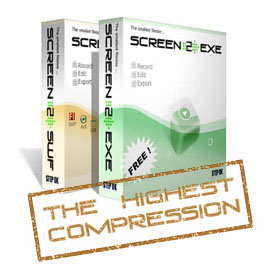
Based on the advanced and specially designed SSCV2 , Sreen2EXE and Screen2SWF has the highest compression ratio in the world, compared to other screen recorders. A smaller file is very important when sharing your demo, tutorial or presentation via the Internet.
|
 Screen Anytime Screen Anytime
You may also need. 24/7 non-stop, automatical screen recording software for any and all on screen activities.
more ...
|
Versions
| |
SCREEN2EXE |
SCREEN2SWF |
| Screen Record Features |
They are all same and all FREE now!
Download |
| Editing Features |
| EXE - with SSCV2, small file |
| SWF - with SSCV2, small file |
| FLV - no SSCV2, big file |
| MP4 - no SSCV2, big file |
| AVI - no SSCV2, big file |
| Price for 1 Unit |
| Recoring time |
Designed for short time (<1 hours) recording,
For 24x7 continious recording, Try Screen Anytime |
v3.7, 05 Jul,2015
Read more about us, FAQs or contact us today for more information on our products or partner opportunities.
Screen Anytime (IT monitoring)| Recomposit (Photo masking software) | Light Developer (Advanced RAW editing)
|
Recent Update
System Requirements
- Windows 2000/XP/2003/Vista/7/8/10
- Still compatible with XP system!
More
- Help File
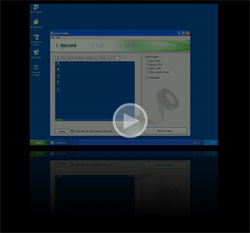
- The following movie is a demonstration for Screen2SWF. You may also click on the 'i' icon in order to see how small the file is in comparison to its duration.
|